







Searching online for decent learning games turns into a total hassle for parents who basically just want screen time to mean something useful. So families pick PBS Kids. It gives children clean ways to pick up math, reading, science concepts, and basic social skills, all without bumping into sudden paywalls that ruin the fun. At Game Rewardz, we see this constantly when kids take charge of their own little adventures inside games built right for them.
Because these browser games cost nothing, parents do not need to download extra software or worry about surprise subscription fees coming up later. Kids jump right in. They see TV characters they already know, so they trust the game pretty much right away and stay focused on learning for 20 minutes or more.
Why PBS makes the best learning games for kids right now
PBS spent decades making public media shows that put child development ahead of making money, and their website and mobile apps follow that exact same mindset. Regular free apps run off the rails. They cover your screen with popups or push you to buy items every 5 minutes, but PBS keeps things clean.
Why does this matter? Because kids can play around without accidentally clicking banners or getting tricked into buying fake game coins. That saves a huge headache.
The team making these games works directly alongside teachers so every activity lines up with real public school targets. Kids learn faster. When children feel safe and entertained, storytelling blends into actual problem solving, which is why developers test each title with real students in classrooms for thousands of hours before public release.
Parents usually point to 5 basic reasons for liking these web games:
- There are zero popups or hidden online stores here, which means children can play safely by themselves without an adult watching every single second.
- The content connects directly to school targets like math, science, art, and reading.
- TV characters like Wild Kratts and Daniel Tiger help make hard topics pretty easy to grasp, especially for kids who hate doing extra schoolwork after class.
- They open fast. You can run them in standard web browsers, so you do not need a high end computer or huge amounts of hard drive space.
- Accessibility features like captions, visual clues, and clear audio instructions help children with different reading levels enjoy everything just the same.
Top science and math games on PBS
Math and science scare young kids when lessons stay stuck as abstract problems on paper worksheets. PBS changes that. Children get to mess around with gravity, animal homes, patterns, and counting in virtual spaces where messing up does not come with any penalty at all.
Wild Kratts Creature Mobile shows how this works in practice. Kids build custom vehicles based on real animal traits to solve environmental puzzles across various habitats, picking up basic ideas about biomechanics, animal adaptations, and ocean food chains without feeling dragged into a lecture. They fail fast. Then they tweak their builds without stress, learning real biology concepts along the way.
Odd Squad Codebreaker works great for math. It focuses on simple logic, algebra, and pattern recognition. When kids play as special agents clearing up weird visual mysteries through number patterns and puzzle blocks, the spy movie vibe keeps them working on math logic that usually bores them on paper worksheets.
So if a child likes building things, Cat in the Hat Builds That gives them real practice with engineering concepts like structural integrity, balance, and friction using common household items. They construct small bridges. Then they check how heavy a load the bridge takes before it falls down.
- Wild Kratts Habitat Builder touches on animal biology and ecosystems through puzzle tasks. Kids balance different animal populations in various biomes, which helps them see how food chains work out in real nature without getting bogged down in textbook details.
- Odd Squad Shape Blocks covers spatial geometry along with simple fractions and symmetry. Basically, players fill in small geometric gaps to fix broken mystery machines during their missions, which keeps the spatial puzzle work from getting dull.
- Peg + Cat 10-Frame Games helps younger children get better at counting up to 10 and 20. It really works. Why? Because visual grids combined with rhythmic beats and short catchy songs make the numbers stick in their minds without turning the whole exercise into boring drill work.
- The game stays simple. Dinosaur Train River Run mixes physical science like river currents and erosion with prehistoric animal classification, letting kids steer through water tracks while picking up facts across 12 unique levels.
Great reading and literacy educational games for kids
Kids love them. Reading confidence gets better when children practice sight words alongside phonics and sentence building in regular games, which is why PBS put out dozens of titles based on shows like Super Why! and Xavier Riddle.
Super Why! Phonics Fair is one of the top picks for early readers working on letter sounds. Children play carnival minigames where they swap letter sounds to change word meanings and finish storybooks. Because audio feedback happens right away, children hear how changing 1 single letter alters the whole sound of a word, which builds up strong phonemic awareness over time.
Xavier Riddle takes a different route. Players go back in time to meet historical figures like Rosa Parks, Albert Einstein, or Florence Nightingale while picking up context clues, historical details, and bigger vocabulary words. Still, games for young kids focus heavily on phonics because matching sounds is basically the real foundation for early reading.
Reading goes beyond decoding letters on a screen since children also need to grasp story flow, context clues, and social communication. WordGirl Superhero Training builds vocabulary by asking players to match harder words like gigantic or reluctant with visual actions during hero missions, which makes it much easier for kids to remember those words later on. It really works.
Choosing the right educational games for kids by age group
Not every game works for every child. A 3-year-old child needs totally different things than an 8-year-old child, and matching the game to your child's age keeps them from getting bored or annoyed during screen time.
For toddlers aged 2 to 4, simple tap-and-listen games work best. Daniel Tiger's Neighborhood gives simple social lessons about sharing, dealing with anger, and trying new foods. Because controls rely on simple clicks, toddlers do not get stuck on complicated mechanics while audio prompts talk directly to them in reassuring tones.
Kids aged 4 to 6 do great with basic math and phonics games like Curious George Monkey Move or Sesame Street Monster Music. 4-year-olds need simple tasks. So these titles rely on 2-step instructions and bright visual cues to keep kids moving along, which basically lets little ones practice counting without getting confused or stuck staring at a screen.
Older kids aged 6 to 9 need harder challenges. In titles like Cyberchase Quest or Xavier Riddle, players have to remember clues and solve multi-stage math puzzles while using logic across 4 or 5 levels, which feels much closer to regular video games so older kids stay hooked without missing out on learning.
How parents can get the most out of educational games for kids
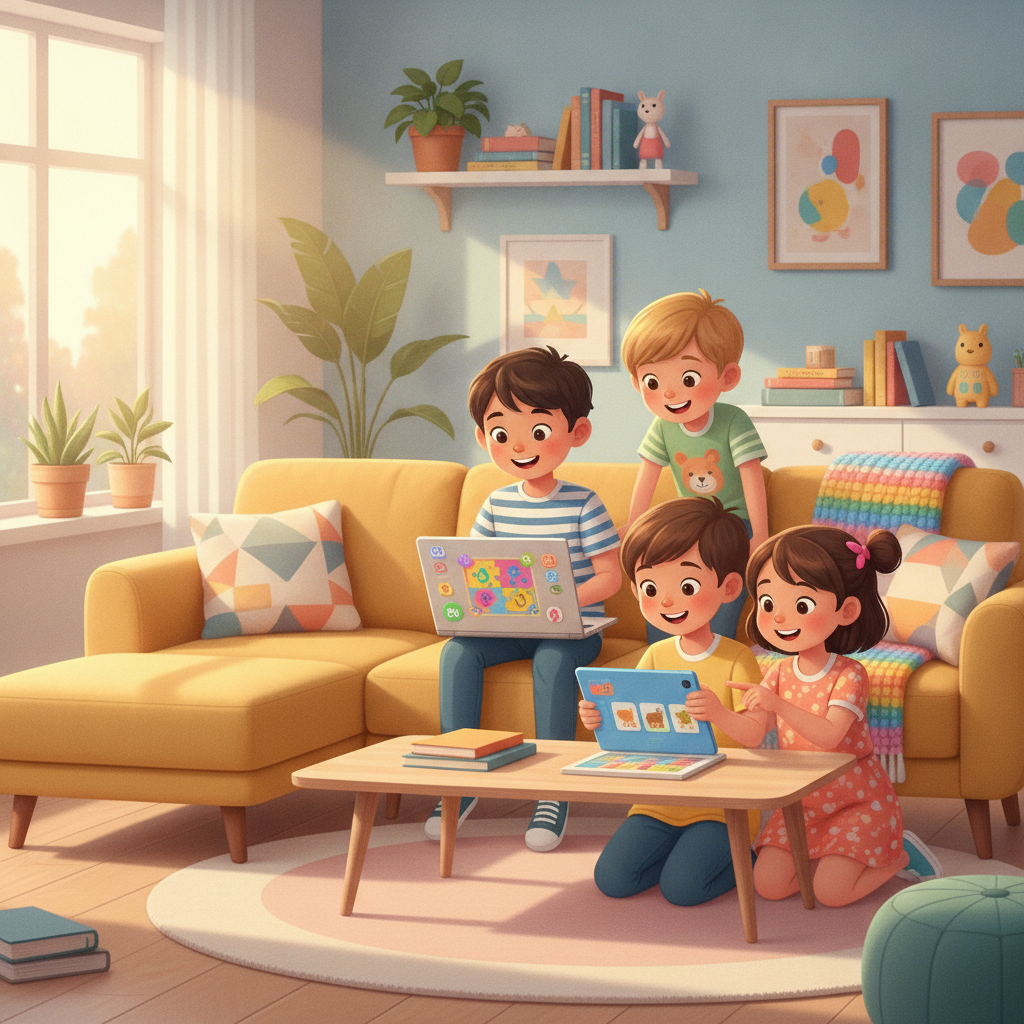
These games work fine solo. But kids learn twice as much when parents jump in. You do not need to sit beside them for hours, because just joining in for 5 minutes turns screen time into real understanding that basically sticks with them long after you turn off the tablet.
Ask questions while they play. If your child plays a Wild Kratts game about ocean life, ask why some fish stay deep down while others swim near the top, or ask what plan they used to solve a tricky Odd Squad code puzzle when they hit a wall.
And you can connect game events to things around the house. If your child finishes an online sorting puzzle, ask them to sort real laundry or colored blocks by size and pattern later in the day, which pretty much takes what they see on screen and brings it into real life.
Some simple guidelines for guiding game time:
- Cap play time at 30 to 45 minutes a day. Otherwise, their eyes get tired fast.
- Sit down with them for the first 2 levels. That way, you learn how the mechanics work before leaving kids to play on their own.
- Treat mistakes as good news. Failing a level is basically just how kids test ideas until they figure out the right answer on their own.
- Keep the tablet in a shared room like the kitchen or living room, which lets you keep an eye on screen time without hovering over their shoulder every minute.
- Ask your child to teach you how to play their favorite level. Forcing them to explain the rules in their own words cements what they learned.
Common mistakes when introducing educational games for kids
Parents often run into small snags when introducing learning games at home. Catching these habits early makes it much easier to keep screen time balanced between simple entertainment and actual skill building.
Game hopping is a big mistake. When a child switches apps every 2 minutes because a puzzle got tricky, they miss out on figuring things out on their own, so try keeping them on 1 game for 10 to 15 minutes before changing tasks to build real focus and persistence.
Ignoring age ratings causes issues too. If you force a 5-year-old to solve a math puzzle built for an 8-year-old, it basically creates stress, so it is always better to start slightly below their current level until they feel confident enough for harder challenges.
To stop these problems early, keep an eye on how your kid acts while playing so you can jump in before they go off the deep end with a big meltdown. If a game brings tears, switch to something quieter like Daniel Tiger or just turn off the screen altogether.
Frequently Asked Questions
Which PBS Kids games work best for preschoolers?
Daniel Tiger games work really well, alongside Sesame Street Art Maker and the Peg + Cat 10-Frame set, covering early counting, sorting, and big feelings without pushing hard controls. Small hands manage fine.
Are all the PBS Kids games actually free online?
Yes. Everything on their main site and app stays 100% free, meaning you never run into monthly fees, surprise paywalls, or locked content sitting behind credit card prompts. Nothing is hidden away.
Do you need to download anything first?
Not really. You just open them right inside standard browsers like Chrome or Safari, though grab the free PBS Kids Games app if your child prefers tapping around on a phone or tablet. It runs fast.
How do these games actually teach math and reading?
Lessons get baked right into the play instead of relying on boring worksheets. So a kid ends up learning basic fractions by chopping up virtual pizzas for hungry characters, or they practice letter sounds while piecing together word bridges to cross rivers during puzzle stages. That keeps them hooked.
Can kids play on tablets or phones?
Yes. Their website reshapes itself for small mobile screens, while the dedicated app runs smooth on iOS, Android, and Kindle hardware without scrambling the layout. Touch controls stay simple.







![Peggle [FLASH] Game](https://www.gamerewardz.com/thumbs/peggle-flash-game_2.webp)